

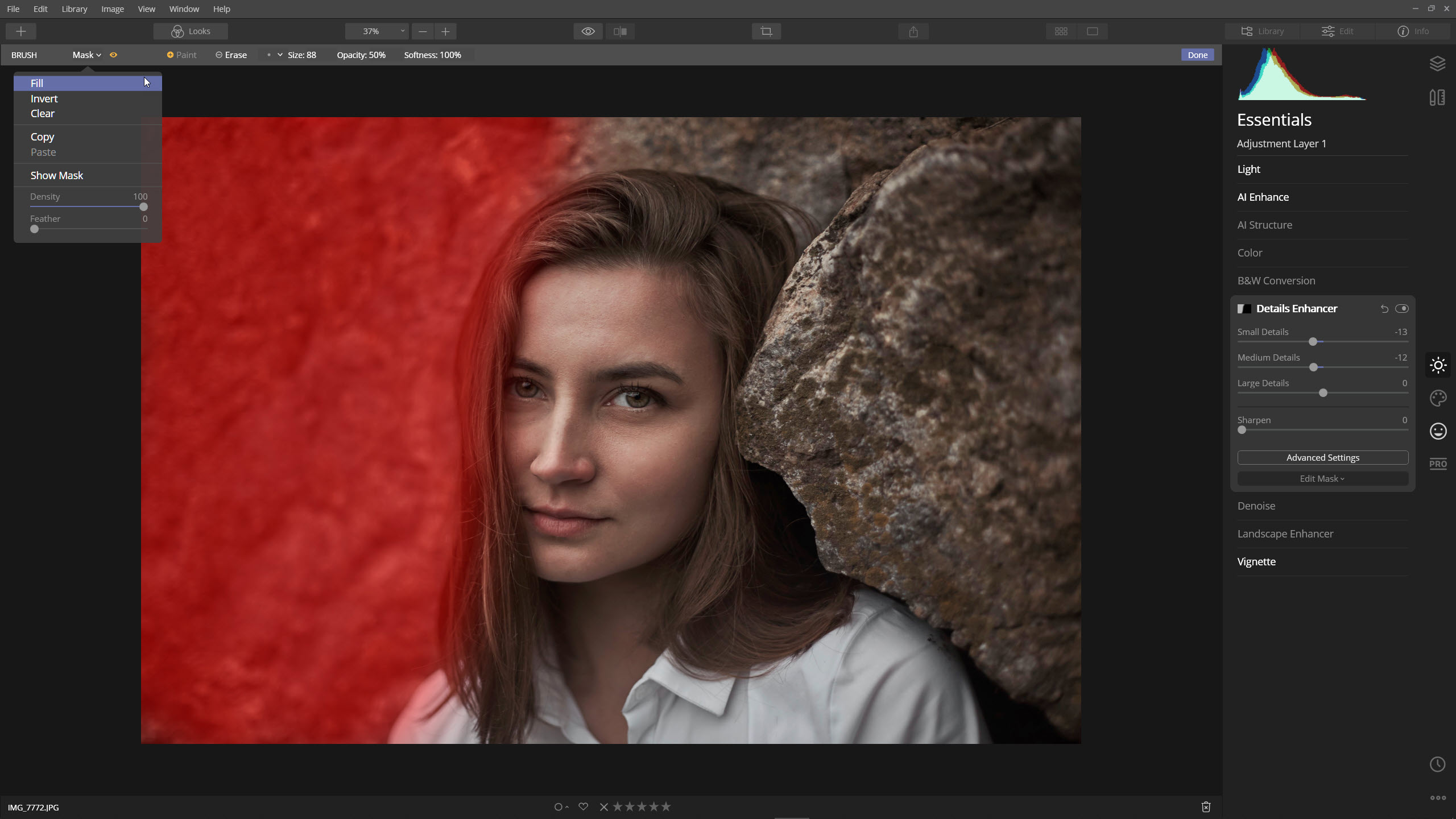
Using image masking in Photoshop is a great way to remove or hide unwanted parts of an image. It is a non-destructive tool that allows you to hide specific areas of an image. You can also use this tool to give your photos a transition effect. You can simply select a group of layers, and then choose the image masking tool. This tool works by hiding the objects you want to hide in the photo.
With the help of image masking, you can easily cut out the unwanted elements from the image without affecting the original one. Moreover, this technique is easy to use, and you can make any changes that you want at any time. Whether you’re a beginner or an expert, image masking in photoshop will enhance your product photos. Here are some of the advantages of image-masking in photoshop.
Using image masking allows you to remove unwanted elements. While applying the clipping path is useful, it’s difficult to apply to low-opacity objects or to a large number of images. Using image masking will help you to separate different objects in a single picture without creating a messy effect or removing the focus from the subject. This technique is also helpful when you want to isolate certain details in a photo.
If you’re a professional photographer, image masking is an essential tool for your work. Many photographers create different backgrounds for individual images as part of their portfolio. Fashion magazines need to show models with no backgrounds. The general public can benefit from image masking as well. If you want to remove a person from a photo, it is easy to do with the help of image masking. If you’re a novice, it will make your editing skills much more efficient.
Image masking services is a great way to remove unwanted objects from an image. It’s not destructive and is a good option for beginners and professionals alike. In fact, image masking is a great creative tool for any type of photo. It can enhance the look of a product and make it more appealing to the viewer. However, it’s important to use masking in the appropriate context, as it can be applied to a wide range of different industries.
The benefits of image masking and any clipping path services are numerous. Using masking in photoshop is a great way to remove background elements from an image. It allows you to choose a specific part of an image and make it transparent. It’s also useful for collages and graphic design. Because it’s non-destructive, it’s ideal for beginners. If you want to create a collage, you can use layer masking in photoshop to add a background to an existing picture.
