

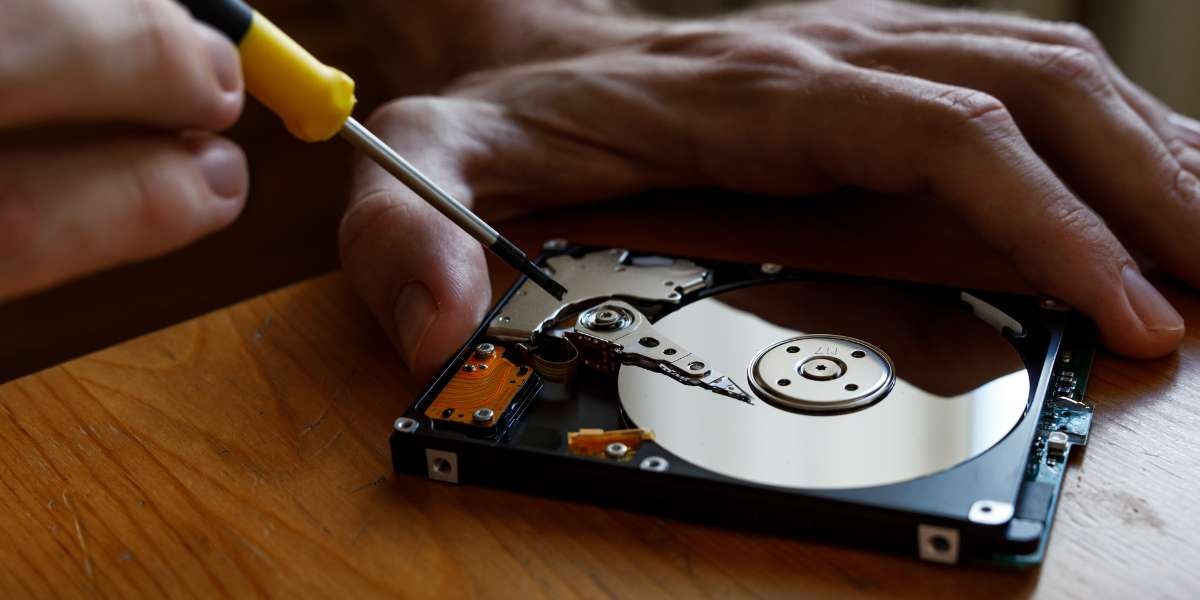
Losing important files is one of the most stressful situations anyone can face. Whether it is family photos, business documents, or critical project files, the sudden crash of a hard drive can feel like a disaster. The good news is that hard drives and SSDs often give warning signs before they fail. By learning how to recognize these signals early, you can act in time and protect your data.
This article explores the five most common signs of hard drive failure, explains why they happen, and shows you what to do if you encounter them. Along the way, we will also discuss how professional Hard Drive Data Recovery and SSD Data Recovery services in Wellington can help you recover files safely when things go wrong.
Is Your Hard Drive Not Working? Here’s Why It Happens
A hard drive or SSD can fail for many reasons. Traditional hard drives (HDDs) rely on spinning disks and moving parts, which makes them more prone to physical damage. SSDs, while faster and more durable, can also fail due to electrical issues, firmware corruption, or memory wear.
Common causes of drive failure include:
- Physical damage such as drops, shocks, or overheating
- File system corruption caused by malware, power outages, or software crashes
- Wear and tear after years of regular use
- Manufacturing defects in rare cases
- Improper handling, such as forced shutdowns or unplugging without ejecting
While these issues can feel sudden, many drives give clear warning signs before reaching the point of no return. Understanding these signs is the key to protecting your data.
1. Strange Noises Coming from Your Hard Drive
Traditional hard drives make a gentle humming or whirring sound during normal operation. However, if you begin hearing unusual noises such as grinding, clicking, or buzzing, it is often a sign of mechanical failure.
These noises usually indicate problems with the drive’s moving parts, such as the read/write head or spinning platters. Continuing to use the drive at this stage can make the situation worse, potentially leading to permanent data loss.
What to do when your SSD or Hard Drive is not working:
- Stop using the drive immediately
- Avoid DIY repair attempts, as opening the drive can cause irreversible damage
- Contact a professional Data Recovery Service in Wellington to safely extract your files before the drive stops working entirely
2. Frequent Freezes, Crashes, or Slow Performance
Another common warning sign is when your computer starts behaving unpredictably. If programs freeze often, files take longer to open, or the system crashes without warning, your hard drive or SSD could be the culprit.
In hard drives, this usually means the drive is struggling to read data from damaged sectors. In SSDs, it may indicate problems with memory cells or corrupted firmware. While software issues can also cause crashes, consistent performance problems tied to file access are often hardware-related.
What to do when your SSD is not working –
- Back up any accessible data immediately
- Run diagnostic tools, but avoid writing large amounts of new data to the drive
- Seek professional Hard Drive Data Recovery or SSD Data Recovery if the issue persists
3. Corrupted or Missing Files
If you notice that files are suddenly missing, refuse to open, or display strange errors, this is a significant warning sign. File corruption can occur when the drive has trouble reading or writing properly. Photos may appear partially loaded, documents may refuse to open, or video files may become unplayable.
While some minor corruption can be fixed with software, recurring file errors often point to failing hardware. In these cases, relying on DIY recovery tools can overwrite important data and make recovery much harder.
What to do when your Hard Drive is not working –
- Do not continue saving or moving files on the failing drive
- Make note of which files are missing or corrupted for recovery purposes
- Contact a local Data Recovery Service in Wellington to repair or restore lost files safely
4. Computer Fails to Recognize the Drive
Sometimes, the first warning sign is that your computer simply refuses to detect the hard drive or SSD. This can happen intermittently at first, such as the drive showing up only after several restarts, but eventually the drive may disappear completely.
For hard drives, this may be due to mechanical failure or a damaged connector. For SSDs, this could indicate firmware corruption or electrical failure. Either way, the drive is signaling that it may soon stop functioning altogether.
What to do when your SSD is not working –
- Avoid repeatedly unplugging and reconnecting the drive, as this may worsen the issue
- Try connecting the drive to another computer or using a different cable, but only once
- If the drive still fails, seek professional SSD Data Recovery or Hard Drive Data Recovery instead of trying risky fixes
5. Overheating and Unusual Behavior
Hard drives and SSDs both generate heat, but excessive overheating is a serious sign of trouble. If your device feels unusually hot to the touch, emits a burning smell, or causes your computer to shut down unexpectedly, the drive may be failing.
Overheating can damage internal components and speed up data loss. Ignoring these symptoms can result in permanent failure that no software tool can fix.
What to do when your Hard Drive is not working –
- Power down the device immediately
- Allow it to cool and avoid continued use
- Reach out to a Data Recovery Service in Wellington that can handle drives safely and recover files without causing additional heat-related damage
Professional Data Recovery Services in Wellington
For residents of Wellington, Hutt Valley, and Masterton, Tech On Road is widely recognized for its trusted Hard Drive Data Recovery and SSD Data Recovery services. Their team provides onsite, at-home, and on-demand recovery options so you do not need to disconnect your device or risk further damage.
Several factors make this data recovery service stand out in the Wellington region:
- Skilled technicians with years of hands-on recovery experience
- Secure handling of sensitive files with complete confidentiality
- High success rates, even in complex cases such as RAID failures
- Transparent pricing with no hidden costs
- Fast turnaround to minimize downtime for both individuals and businesses
They also provide backup and protection solutions so you can avoid future data loss. By setting up reliable storage systems, you can ensure that your valuable files remain safe no matter what happens.
Be Proactive to Prevent Data Loss before your SSD or Hard Drive Fails
Hard drives and SSDs rarely fail without warning. Strange noises, crashes, corrupted files, disappearing drives, and overheating are all signs that your storage device is in trouble. The key to saving your data is recognizing these signals early and taking immediate action.
The biggest mistake many people make is waiting too long before seeking help. When a drive begins to fail, every additional use increases the risk of complete data loss. Acting quickly not only increases the chance of successful recovery but also reduces stress and downtime.
Professional technicians use advanced equipment and techniques that go far beyond what consumer software can achieve.
Anyone experiencing these issues should seek professional help as soon as possible. Backing up available files and contacting a trusted Data Recovery Service in Wellington greatly improves the chances of successful recovery. Tech On Road specializes in both Hard Drive Data Recovery and SSD Data Recovery, helping clients recover their files with minimal disruption.